
Your RPA bots run for months without a complaint. Then a new supplier sends a PDF, the invoice total sits half an inch left of where it always sat, and the workflow you spent three weeks building falls over at 11pm on a Tuesday. That is not a bug in your implementation. RPA document processing breaks because robotic process automation was built to click buttons, not to read documents.
Key takeaways
- Robotic process automation automates actions, not understanding. Bots repeat the steps you defined, at the user interface level, exactly as instructed.
- RPA document processing breaks because documents vary. Layouts move, scans are noisy, and a rule written for last month's invoice has nothing left to match.
- The pattern that works in 2026 is AI extraction first, RPA second. AI reads the document and returns structured fields. RPA takes those fields and drives the systems that have no API.
- Fixing this does not mean replacing your RPA estate. You add one step in front of it and leave the bots doing what they are good at.
- RPA is not dead. RPA-only document processing is.
What is robotic process automation?
Robotic process automation, also called software robotics, is business automation software that carries out repetitive, rule-based tasks across applications. The bots operate at the user interface level, clicking, typing, and moving files the way a person does, which is why they can automate a legacy system nobody has the source code for anymore.
You configure the steps once. The robot then repeats them at 3am, on a bank holiday, forever, including the steps you got wrong.
That interface-level design is RPA's great strength and its hard limit in the same breath. A bot can drive any application on a screen without an integration project. It also has no idea what any of it means. It sees a rectangle where it was told to look. Whether that rectangle holds a total, a tax code, or a coffee stain is not a question it knows how to ask.
Why RPA document processing breaks
RPA document processing breaks because rule-based automation assumes the input holds still, and documents never do. Three things go wrong, roughly in this order.
Layouts move. Traditional RPA finds a value by position or by a pattern you defined. Change the supplier, the template, or the page count, and the rule points at empty space. Every new vendor becomes a new ticket.
Then the variety compounds. An email thread carrying three PDFs. A credit note filed as an invoice. A statement that slipped into the batch. A line-item table that keeps going onto page two. To a bot, "Inv. No.", "Invoice #" and "Reference" are three unrelated strings. A person reading the same three invoices sees one field and moves on, without noticing they did anything clever.
The third one is what actually kills projects, and it arrives slowly enough that nobody clocks the crossover. Fixing broken bots starts costing more hours a month than typing the data would have. The automation is still running. It has just stopped paying for itself.
The industry spent a decade teaching robots to click buttons, then handed one a scanned invoice and acted surprised when it came back with the fax number.
RPA and OCR: why bolting on a reader does not fix it
The standard first fix is to add OCR to the bot. It helps less than you would hope.
OCR in RPA converts pixels into characters. It does not tell the robot which of those characters is the invoice total. You get a page of text where you used to have an image, and then you write rules against that text: find the word "Total", take the number to its right, pray the next vendor does not write "Amount Due" instead. That is the brittleness you started with, moved down one layer, plus a fresh dependency that reads 8 as 3 on a bad scan.
AI OCR is the version that earns its place, because it returns named fields rather than a wall of text. Ask for the invoice number, the total, and the line items, and that is what comes back, whatever the layout. The bot never has to guess.
RPA and AI document extraction: who does what
Fixing RPA data extraction is not a matter of building a better bot. It is a division of labour. AI is the eyes and the brain, and RPA is the hands. Split the work accordingly:
| The job | The right tool |
|---|---|
| Working out what kind of document just arrived | AI extraction |
| Reading a scanned or photographed page | AI OCR |
| Pulling named fields out of an unfamiliar layout | AI extraction |
| Extracting line items from a table that spans pages | AI extraction |
| Flagging low-confidence values for a human to check | Human-in-the-loop review |
| Applying business rules and approvals | Workflow engine or ERP |
| Posting clean data into a modern system | API integration |
| Keying data into a legacy system with no API | RPA |
| Downloading attachments, renaming and routing files | RPA |
| Reconciling status between two applications | RPA |
Nothing in the right-hand column is a demotion. Those are real jobs, they still need doing, and nothing else does them as cheaply as a bot. The mistake is asking a tool built to repeat known steps to interpret something it has never seen.
Will AI replace RPA?
No, AI is not replacing RPA. It is taking over one specific job RPA was doing badly, which is reading documents. The rest of the RPA estate is fine.
The analyst market has already reorganized itself around that split. In September 2025 Gartner published its first Magic Quadrant for Intelligent Document Processing, a category that did not warrant its own quadrant while document extraction was still filed as an RPA feature. Every major RPA vendor now ships a separate document-understanding product alongside its bots. Nobody put out a press release admitting RPA had lost the document. They just shipped a second product for it and let you draw your own conclusion.
So the honest answer to "is RPA dead" is that RPA is fine and RPA-only document extraction is finished. If your automation strategy still treats those two as one purchase, that is the thing to fix this quarter.
How to fix this without ripping out your bots
You do not need to tear out your RPA estate. You need to move one step out of it.
- Capture. Documents arrive by email, portal, or scan. Keep whatever already collects them.
- Extract with AI. Send the file to a document parser that returns named fields instead of raw text. No per-vendor template, no coordinates.
- Validate. Check required fields, duplicates, and totals, and route only the uncertain cases to a person.
- Post. Push clean data through an API wherever one exists. Save the bot for the systems that offer nothing else.
The bots stop breaking because nobody is handing them a PDF and asking them to understand it. They get structured fields, which is the input they were designed for in the first place. Your Tuesday nights get quieter.
Before you take this to your CFO
Three objections come up every time, so here they are, flat.
Does it work on our documents? Test it on your worst supplier, not your cleanest one. AI extraction is not magic and it does get things wrong. What matters is whether you find out before the number lands in your ERP, which is why Parseur has an optional review step where a person confirms the uncertain fields before anything exports. A bot has no equivalent. It posts the wrong total with total confidence and nobody hears about it until the reconciliation.
Who sees the supplier data? The extraction layer reads the same documents your bots already download, so you are not widening the blast radius, only moving where the reading happens. Parseur is GDPR compliant and data is encrypted in transit and at rest.
The cheap part is finding out. Parseur has a free plan with 20 pages a month and a trial that does not ask for a card, so the pilot is last month's four worst invoices and an afternoon, not a procurement cycle. Steps one and four of the pipeline above already exist in your estate. You are adding a middle, not re-platforming.
Parseur is not an RPA tool, on purpose
Parseur is the extraction layer, not the robot. It turns emails, PDFs, scans, and spreadsheets into structured data using its AI parsing engine, then sends the result wherever it needs to go through Zapier, Microsoft Power Automate, and webhooks.
There are no templates to build per vendor. You name the fields you want, and the AI finds them in layouts it has never seen. Which is precisely the part your bots cannot do.

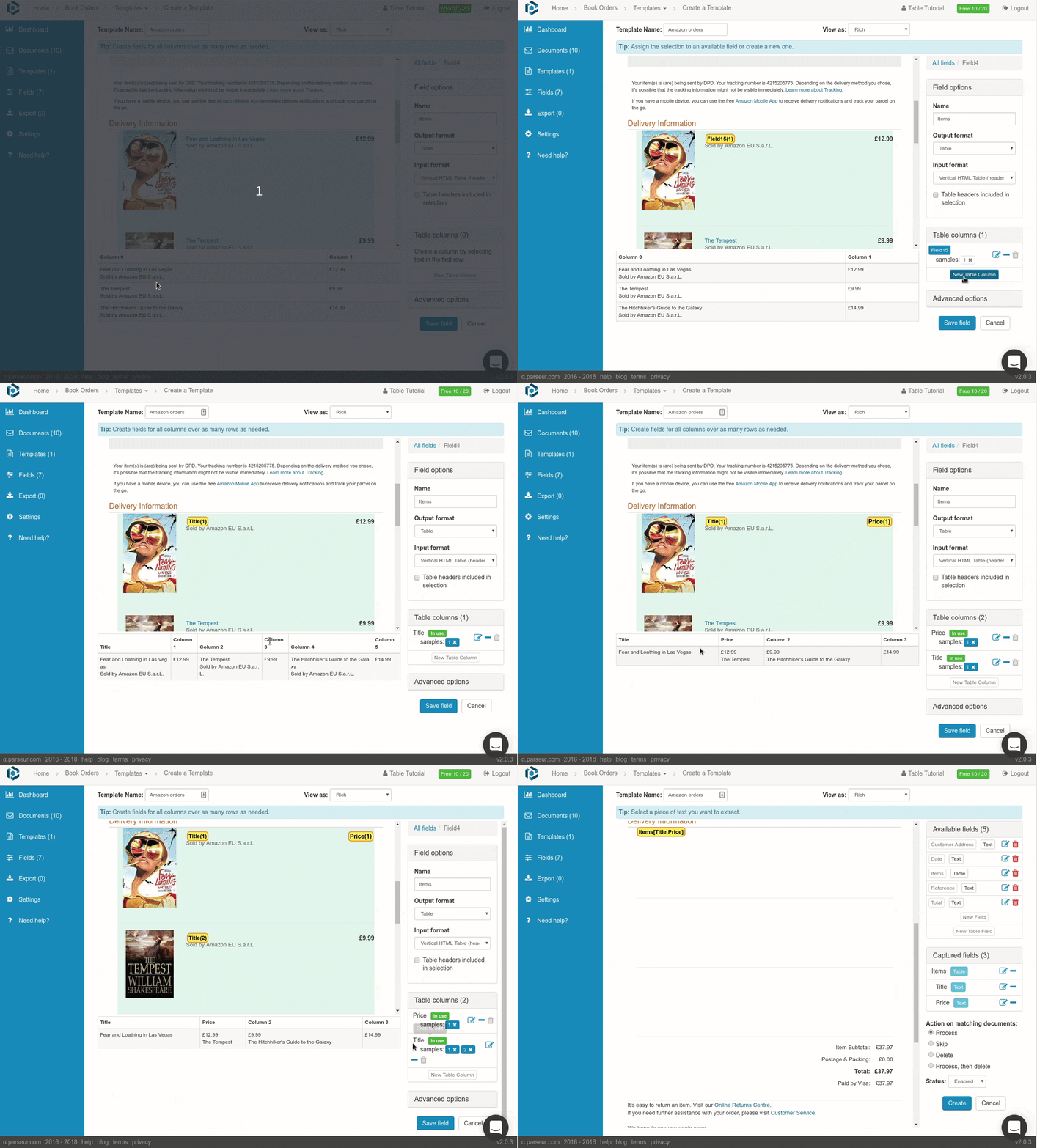
Tables too, which is where most invoice automation gives up and calls a human. Line items that run across pages come back as rows, ready for a spreadsheet or an accounting system.
If you are mapping out where RPA ends and AI begins across a wider stack, RPA to hyperautomation covers the strategy and data entry automation versus RPA covers the narrower comparison. For the extraction layer itself, start with intelligent document processing, or the wider document processing automation guide if you are rebuilding the whole pipeline.
Your robots were always meant to be the hands. Give them something worth typing.
Last updated on


